RPA Data Import
Use the Import button on the title bar to load your RPA processes into Blueprint Analyze for assessment. Supported Import File Types For Power Automate Desktop a) Flows (via Dataverse connection) - i…

Updated
by Stefenie Stockbridge
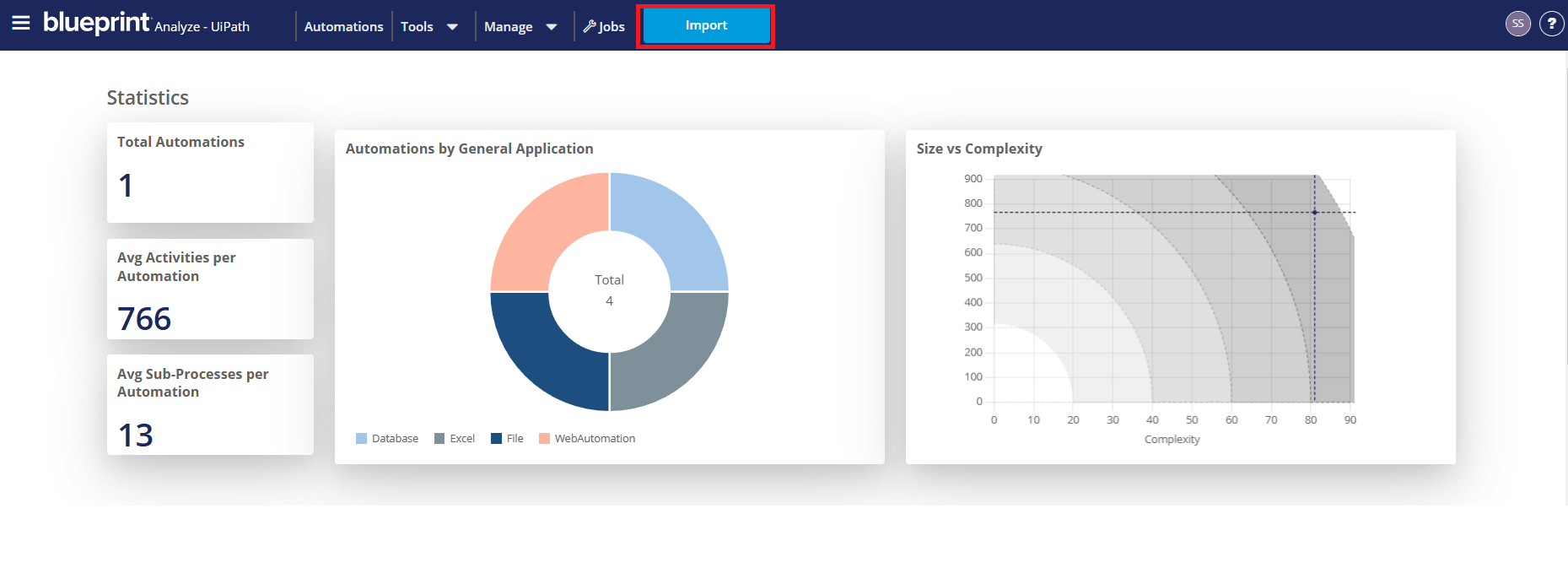
Use the Import button on the title bar to load your RPA processes into Blueprint Analyze for assessment.
Supported Import File Types
For Power Automate Desktop
a) Flows (via Dataverse connection) - import Flow Activity History for the last 1 week, 1 month, 3 months, or 6 months. Only Published Flows are supported
or
b) Solution Files (.zip)
or
b) Solution Files (.zip)
For UiPath
a) .zip or
b) .nupkg
b) .nupkg
For Blue Prism
a) .zip or
b) .bprelease
b) .bprelease
For Automation360
a) Taskbots (via Automation360 connection)
b) .zip or
c) .aapkg
b) .zip or
c) .aapkg
If GenAI is enabled under Settings, you’ll also see options to:
- Generate Process Diagram – automatically build a high-level workflow diagram.
- Scan for Sensitive Data – identify and report on risks; any findings elevate the overall risk level to High, with details shown under Details -> Security.
Once you submit an import, a new job is queued and a confirmation pop-up appears—the Jobs list shows its status and jobs are processed in submission order. For full details, see Jobs.
How did we do?
Dataverse Service Account Secret Setup