Table of Contents
Migrate - Import/Export
Describes specific Import and Export settings available for Instance Administrators.

Table of Contents
The Import & Export feature allows Instance Administrators to configure specific import and export settings for the three (3) supported RPA migration legacy tools: Automation Anywhere, Blue Prism, and UiPath.
Accessing Import/Export Settings
- In Settings, expand RPA Management and choose Migrate - Import/Export
Automation Anywhere Settings
Enable A360 Import | Toggles the ability for users to import A360 bot files. If disabled, this option will no longer display in the Import menu. 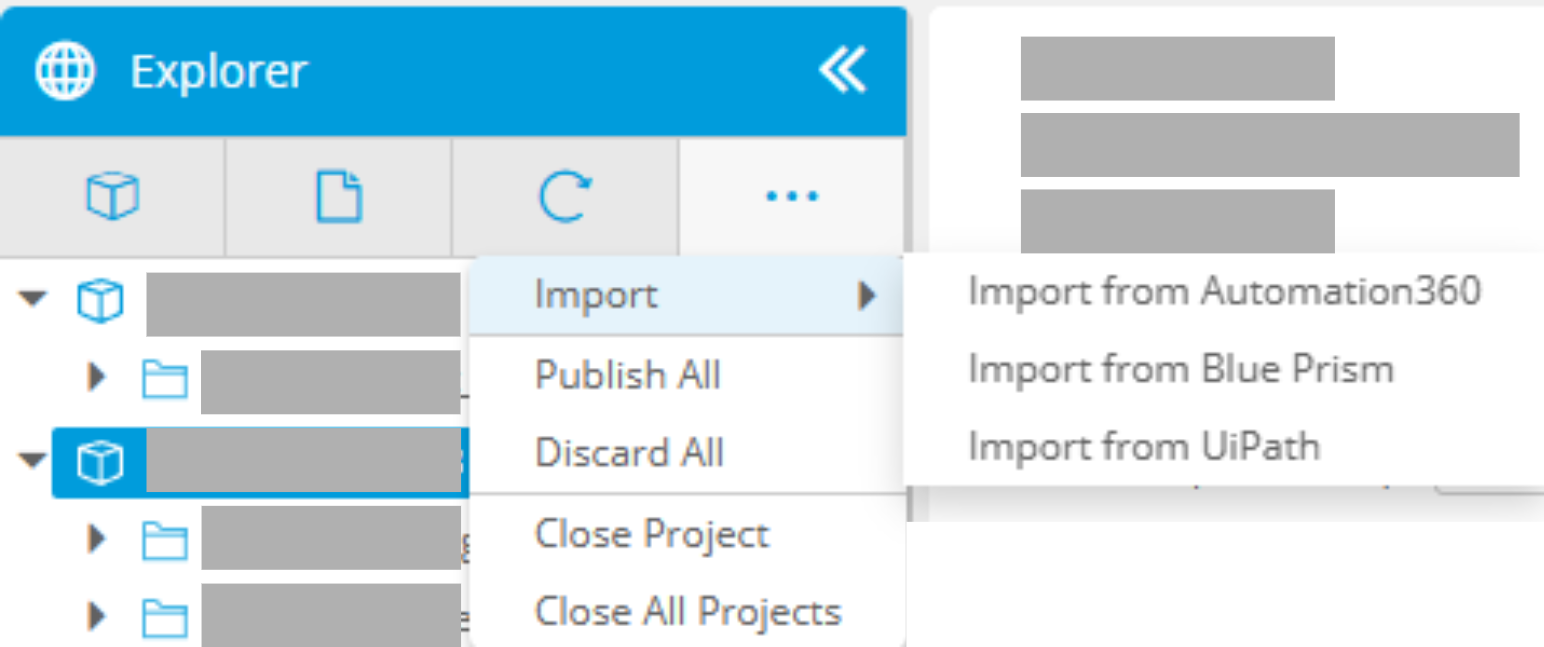 |
Blue Prism Settings
Enable Blue Prism Enterprise Import | Toggles the ability for users to import Blue Prism bot files. If disabled, this option will no longer display in the Import menu. 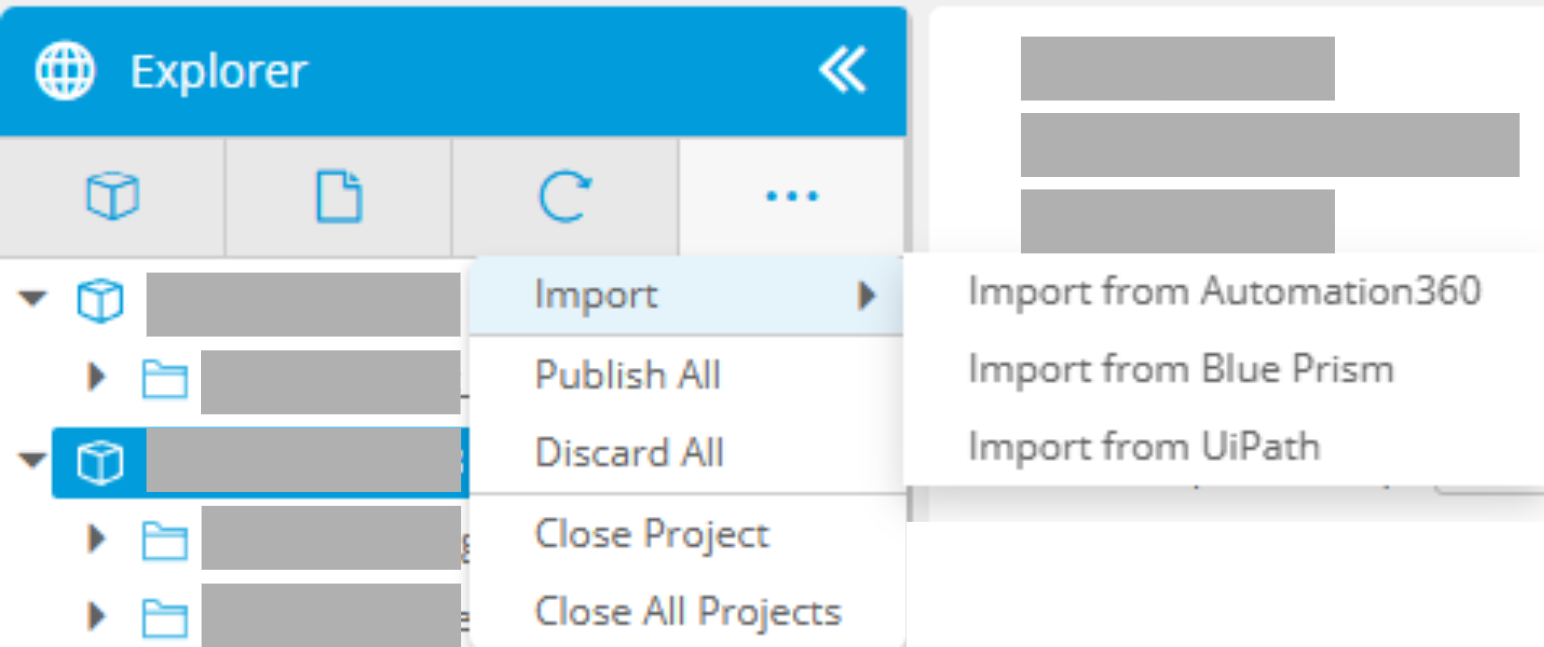 |
Import Template | Displays default Blue Prism import template (if applicable). New Import Templates can be added by selecting the Add Blue Prism Import Template button. |
UiPath Settings
Enable UiPath Import | Toggles the ability for users to import UiPath bot files. If disabled, this option will no longer display in the Import menu. 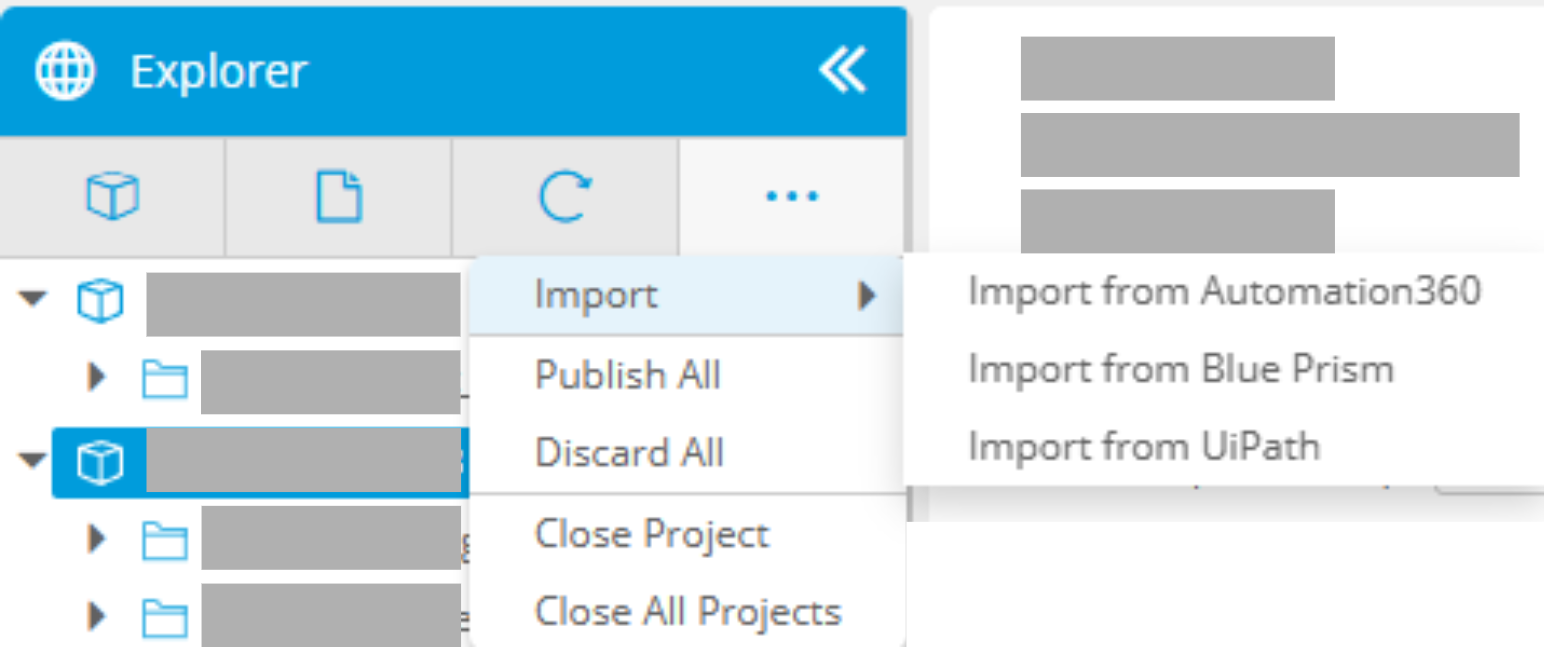 |
Import Template | Displays default UiPath import template. New Import Templates can be added by selecting the Add UiPath Import Template button. |
How did we do?
Integration Reporting
Migrate - Dashboards